Close Menu
  • Gaming
    • Game Guides
    • Codes
    • Game News
    • Game Previews
    • Game Reviews
    • Game Features
    • Game Lists
    • Platforms
      • Nintendo
      • PC
      • PlayStation
      • Xbox
      • Mobile
  • Entertainment
    • Movies
    • Movie Features
    • Movie Reviews
    • TV
    • Reality TV
    • Royals
  • Celebrity
    • Hollywood
  • Human Interest
  • Astrology
  • Videos
  • More
    • Anime
    • Lists
    • Podcasts
    • Reviews
Facebook X (Twitter) Instagram LinkedIn YouTube
  • About Us
  • Join Our Team
  • Meet the Team
  • Privacy Policy
  • DMCA Policy
  • Contact Us
  • Terms of Use
  • Sitemap
  • Editorial Guidelines
  • Advertising Policy
The Nerd Stash
  • Gaming
  • Celebrity
    • Hollywood
  • Human Interest
  • Videos
The Nerd Stash
Home»Features»FIFA 23: How to Claim Rivals Rewards on The Web App

FIFA 23: How to Claim Rivals Rewards on The Web App

Do you want to know how to claim Rivals Rewards on the web app in FIFA 23? Rivals Rewards are a significant part of FIFA…

Asanga WijeratneBy Asanga WijeratneSeptember 29, 20223 Mins Read
FIFA 23 Rivals Rewards
This article is over 3 years old and may contain outdated information.

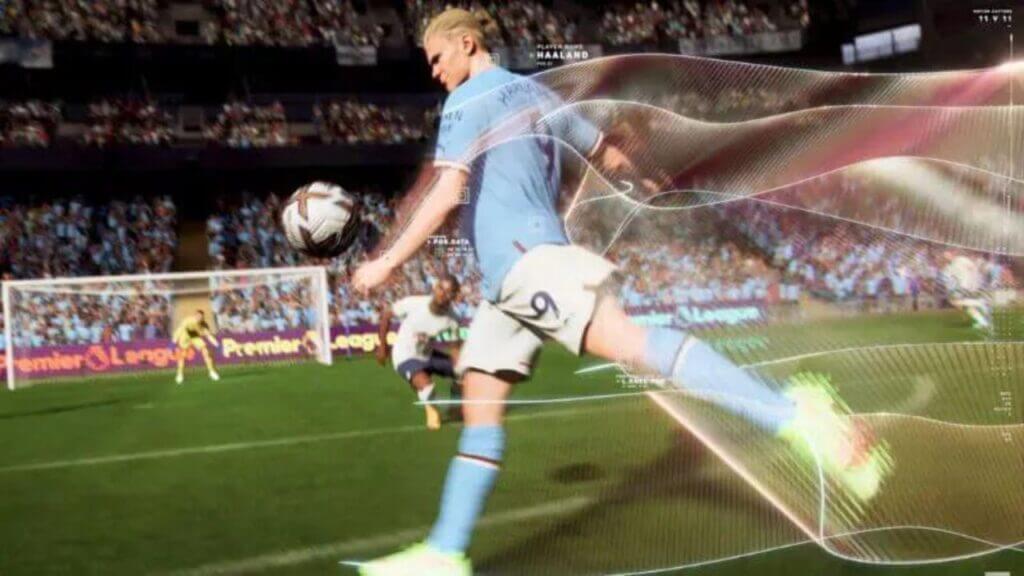
Do you want to know how to claim Rivals Rewards on the web app in FIFA 23? Rivals Rewards are a significant part of FIFA 23 and can be used for several things, such as building your dream team or unlocking player packs. FIFA 23 is almost here, with a brand new web app! The web app is a great way to start building your Ultimate Team and allows you to get Early Acess to the game. FIFA 23 companion APP was released on September 21, 2022, and is available for iOS and Android devices. This guide will tell you how to claim Rivals Rewards on the web app in FIFA 23.

How to Claim Rivals Rewards on The Web App in FIFA 23?

You can claim Rivals rewards from the competition menu of the App. EA sports has changed its redemption formula for FIFA 23; therefore, redeeming rewards will be slightly different this time. Also, some changes in the Companion App make some players think they can no longer claim rewards. However, don’t worry! You can still claim your Rivals Rewards on the Companion App; this guide will show you how.

  1. First, open the Companion App and sign in with your EA account.
  2. Go to the Home tab and open the ‘Competition’ menu.
  3. Then go to ‘Rivals.’ you will have three options to claim your Rivals Rewards. You can select these three options based on your division and win quota.

The three options are as follows.

  • Option 1: Packs and FUT Champion Qualifications Points.
  • Option 2: More Packs, but they are not tradable.
  • Options 3: Coins.

Rivals Rewards in FIFA 23

Related:

FIFA 23: September POTM Release Date and More

We recommend option one as you can get more out of it in the long run. Once you have redeemed your rewards, the packs will automatically appear in your FUT club. If you notice, the only difference for claiming the reward through App is you must go through Competition Menu to get to Rivals. You will see there are other options to redeem rewards for Squad Battles and FUT Champion as well in the same menu.

We hope this guide helped explain how to claim Rivals Rewards on the FIFA 23 web app. Check out our other guides for more tips and tricks on building your dream team! Are you excited about FIFA 23? Let us know in the comments below!

FIFA 23 is now available for PC, PS4, PS5, Xbox One, Xbox Series X|S, Google Stadia, and Nintendo Switch.

Related Topics
FIFA 23 Guide
Share. Facebook Twitter LinkedIn Reddit Email
Asanga Wijeratne
  • Website

SUGGESTED READS

Day of the Devs 2025 TGA Edition
Game Features

Days of the Devs 2025 (The Game Awards Edition): All Reveals and Announcements

Five Nights at Freddy's 2 Movie Review
5
Features

Five Nights at Freddy’s 2 Review – When Bigger Doesn’t Mean Better

Todd Howard See 'All Those Comments' on Fallout 3 and New Vegas Remaster Demands: 'We're Working on a Whole Bunch of Stuff'
Game News

Todd Howard Sees ‘All Those Comments’ on Fallout 3 and New Vegas Remaster Demands: ‘We’re Working on a Whole Bunch of Stuff’

Call of Duty: Black Ops 7 revealed
Game Features

Call of Duty: Black Ops 7: Everything you Need to Know About the New Shooter

Mr Big in Fatal Fury
Game Previews

Fatal Fury: City of the Wolves Mr. Big Hands-On Preview – An Electrifying Finale

Players Struggle In Black Ops 7 Zombies Season 1 Ashes of the Damned
Game Features

‘YouTubers Ruined It’: Players Say Black Ops 7 Zombies Is Now Harder After Season 1 Changes

Trending
Day of the Devs 2025 TGA Edition

Days of the Devs 2025 (The Game Awards Edition): All Reveals and Announcements

Five Nights at Freddy's 2 Movie Review
5

Five Nights at Freddy’s 2 Review – When Bigger Doesn’t Mean Better

Todd Howard See 'All Those Comments' on Fallout 3 and New Vegas Remaster Demands: 'We're Working on a Whole Bunch of Stuff'

Todd Howard Sees ‘All Those Comments’ on Fallout 3 and New Vegas Remaster Demands: ‘We’re Working on a Whole Bunch of Stuff’

Call of Duty: Black Ops 7 revealed

Call of Duty: Black Ops 7: Everything you Need to Know About the New Shooter

The Nerd Stash
Facebook X (Twitter) Instagram YouTube LinkedIn
  • About Us
  • Join Our Team
  • Meet the Team
  • Privacy Policy
  • DMCA Policy
  • Contact Us
  • Terms of Use
  • Sitemap
  • Editorial Guidelines
  • Advertising Policy
© 2025 The Nerd Stash. All Rights Reserved.

Type above and press Enter to search. Press Esc to cancel.