

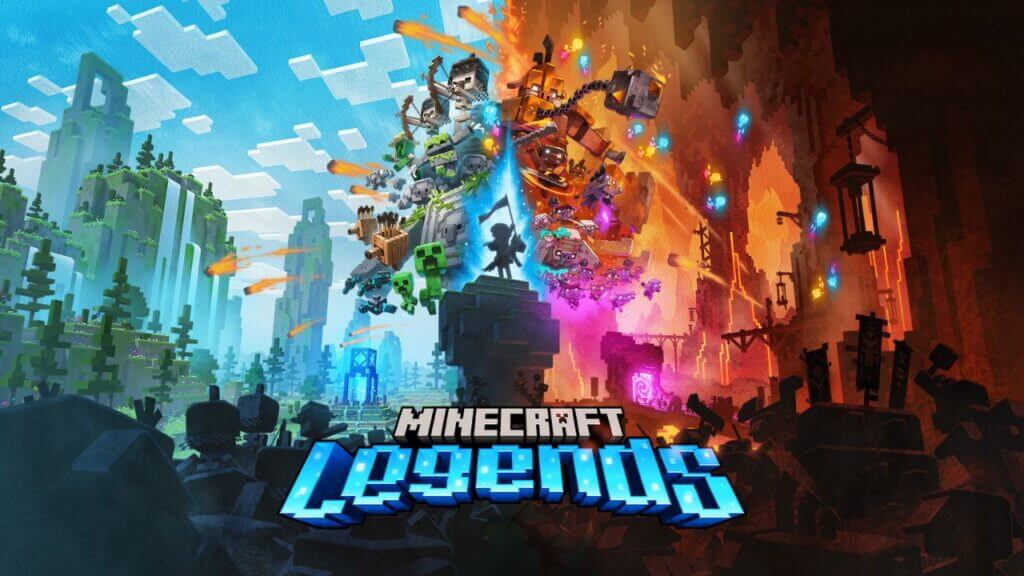
Do you want to know how to fix the Connecting to your Account error in Minecraft Legends? Minecraft Legends has just been released on April 18, 2023. Also, players find many errors preventing them from having a smooth gaming experience. One of the most common errors is the “Connecting to your Account” error which can cause players to be unable to connect to the game. This guide will tell you how to fix the Connecting to your Account error in Minecraft Legends.
What is Connecting to your Account error in Minecraft Legends?
Minecraft Legend is one of the most awaited games by Minecraft fans. However, players are frustrated with seeing the “Connecting to your Account” error message when logging into the game. Also, the error occurs when there is an issue with the connection between the player’s computer and the game servers. There are two reasons for this error, problems with your internet connections or server issues.
However, whatever the reason encountering this type of error makes many players disappointed as they are anticipated to dive into their favorite Minecraft adventures. Fortunately, some steps can be taken to troubleshoot the problem and minimize the likelihood of this error occurring.
How to fix the Connecting to your Account error in Minecraft Legends?

You can fix the Connecting to your Account error in Minecraft Legends by resolving internet connection problems and checking the server status. Here are the steps you need to follow.
- Check the server status: The first step to troubleshooting the error is to check the server status. Check whether servers are up and running without any interruption or problem.
- Wait out for Loading Screen: Some players say they could connect to the game simply by waiting on the loading screen for a few minutes because this could be caused by a temporary network problem or crashed files that can be solved quickly.
- Exit the launcher and restart the game: If the steps above do not work, you should try to exit and restart the game. This step can help you get rid of any temporary errors.
- Verify the integrity of your game files: This is only for players who play on Steam. If you run into this Connecting to your Account error in Minecraft Legends, verify the integrity of your game files. You can do it by browsing local files.
- Check and reset your Router: One common reason for this error is that your network connection might have problems. Also, to fix this, you should check and reset your router by turning it off and on or unplugging it for a few minutes.
- Check your VPN, Firewall, and Antivirus settings: If you use a VPN, firewall, or antivirus software on your computer, check the settings. The settings may be blocking your connection to the game.
Related:
How To Switch Teams in Minecraft Legends
Although Connecting to your Account error in Minecraft Legends can be frustrating and annoying, it is not impossible to fix. By following the steps listed above, you should be able to resolve this issue and enjoy your Minecraft adventure. Good luck!
Also, Minecraft Legends is available on PC, PS4-5,
Sources: YoutubeSCREAM






