Close Menu
  • Gaming
    • Platforms
      • Nintendo
      • PC
      • PlayStation
      • Xbox
  • Entertainment
    • Movies
    • TV
    • Royals
  • Celebrity
    • Hollywood
  • Human Interest
  • Astrology
  • More
    • Anime
    • Reviews
Facebook X (Twitter) Instagram LinkedIn YouTube
  • About Us
  • Join Our Team
  • Meet the Team
  • Privacy Policy
  • DMCA Policy
  • Contact Us
  • Terms of Use
  • Sitemap
  • Editorial Guidelines
  • Advertising Policy
The Nerd Stash
  • Gaming
  • Celebrity
  • Hollywood
  • Human Interest
The Nerd Stash
Home»Gaming»Performance Vs Graphics: Which Mode Is Better in Final Fantasy VII Rebirth? Answered

Performance Vs Graphics: Which Mode Is Better in Final Fantasy VII Rebirth? Answered

Which way do you play?

Nat CollazoBy Nat CollazoMarch 5, 20243 Mins Read
Performance Vs Graphics: Which Mode Is Better in Final Fantasy VII Rebirth? Answered
Image Source: Square Enix via The Nerd Stash
This article is over 2 years old and may contain outdated information.

The PlayStation 5 has two ways for you to get what you want out of your Final Fantasy 7 Rebirth experience. You can switch to Graphics Mode or Performance Mode mid-game. Each one is perfect for a different kind of player hoping to experience a different kind of gameplay. Are you using the Performance or Graphics mode for FF7 Rebirth, and which is better?

Which Mode is Better in FF7 Rebirth?

Performance Vs Graphics: Which Mode Is Better in Final Fantasy VII Rebirth? Answered
Image Source: Square Enix via The Nerd Stash

Firstly, to use either the Performance or Graphics modes in Final Fantasy 7 Rebirth:

  1. Press the Options button on the controller to go to the Main Menu.
  2. Press the System selection at the very bottom.
  3. Go to the Options selection at the top.
  4. Select the Graphics option.
  5. Toggle the Optimization to either Performance or Graphics.

The answer to which is the best lies in what you’re looking for whenever you decide to pick up FF7 Rebirth.

Performance Mode

Performance Vs Graphics: Which Mode Is Better in Final Fantasy VII Rebirth? Answered
Image Source: Square Enix via The Nerd Stash

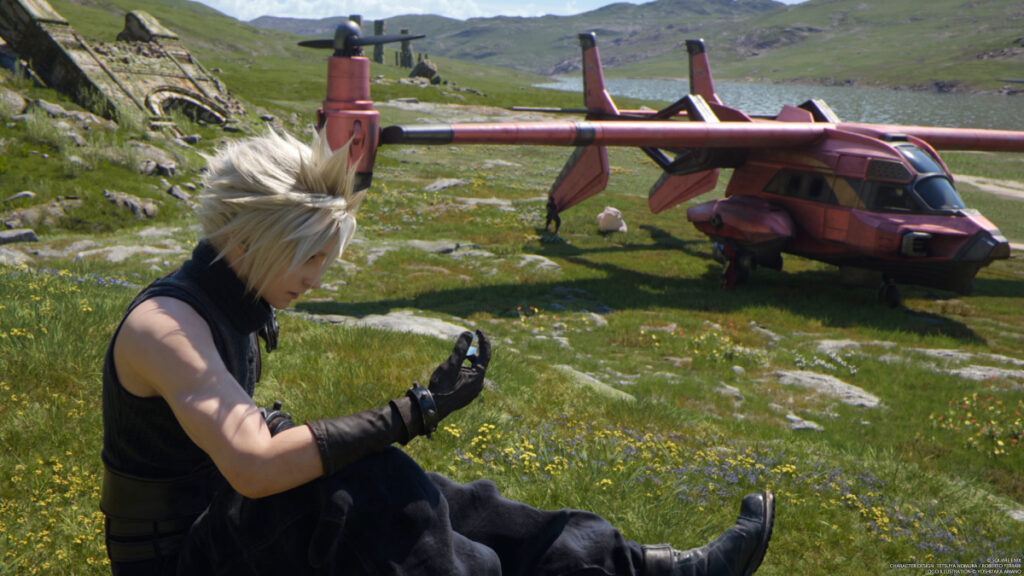
In Performance Mode, the entirety of Final Fantasy 7 Rebirth will maintain a 60 FPS framerate. However, this is at the cost of how great the graphics can look. You’ll get a very smooth experience from beginning to end, but the characters and environments won’t always match that smoothness.

Graphics Mode

Performance Vs Graphics: Which Mode Is Better in Final Fantasy VII Rebirth? Answered
Image Source: Square Enix via The Nerd Stash

Graphics Mode displays the graphics at 4K resolution while jeopardizing the game’s framerate. This means that you’ll have the most gorgeous and cinematic fights you’ve ever experienced but at the cost of those fights being a bit choppy.

At the end of the day, I personally chose to stick with the Performance Mode throughout my experience. I didn’t notice any game-breaking moments and, in all honesty, didn’t think to even change the mode until I realized that it was there to begin with. I would also recommend shifting between the two modes as you play to see which one fits your preference. However, once the game ended and the Chapter Select was open to me, I went back to fight the Materia Guardian and toggled the optimization to Graphics Mode to see if there was a difference.

Some movements were a little choppier than I would have liked, but I wouldn’t say that it made the battle any harder or obnoxious to get through.
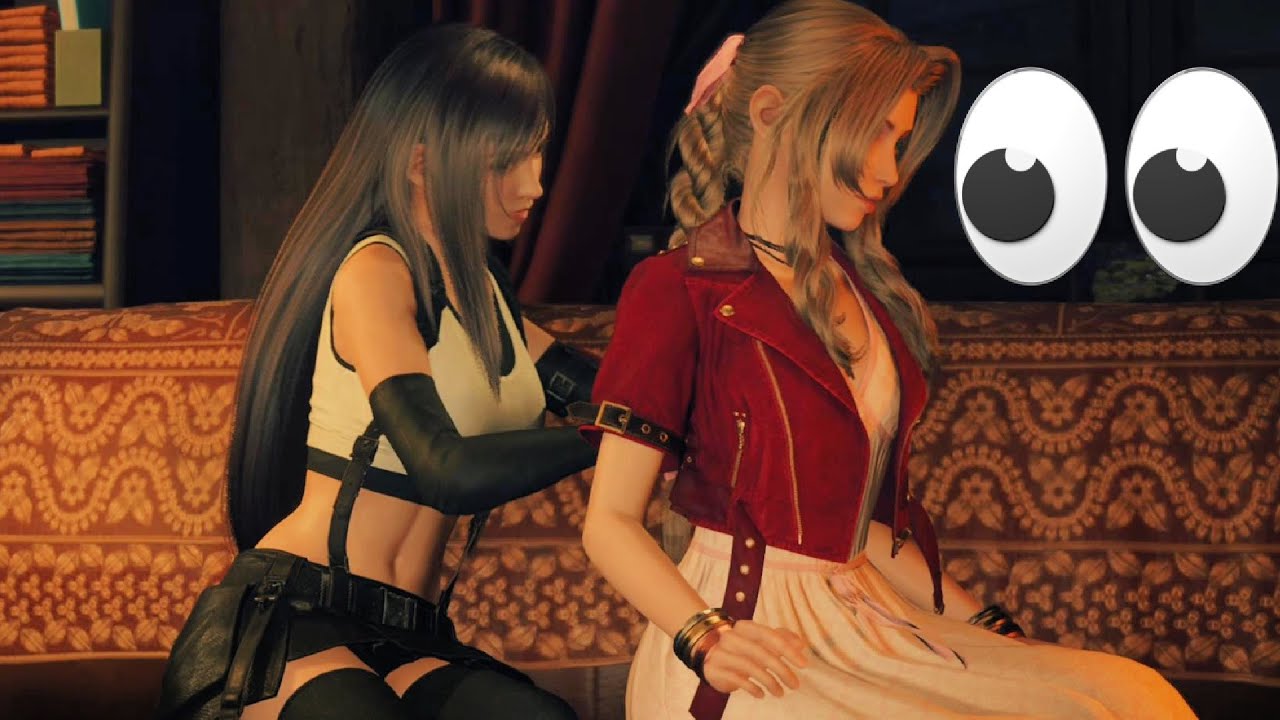
Tifa Gives Aerith a Backrub

Related:

Final Fantasy 7 Rebirth: Relationship & Romance Guide

Final Fantasy 7 Rebirth is available now on the PS5.
Related Topics
Final Fantasy 7 Rebirth Guide
Share. Facebook Twitter LinkedIn Reddit Email
Nat Collazo
  • Website
  • X (Twitter)
  • Instagram

I am a game journalist and guide writer with ten years of experience as well as the CEO/ Founder of Frowns Marketing, a marketing company that caters to indie games, tabletop games, and board games to help developers get more wishlists, backers, and players!

SUGGESTED READS

MindsEye Layoffs 2026
Gaming

Studio Behind GTA-like Game, MindsEye, Hit With More Layoffs, and Nobody is Surprised: ‘Shocked There’s Even a Janitor Working There’

Princess Peach Spin-Off Movie May Already Be in Development, Job Listing Suggests
Gaming

Princess Peach Spin-Off Movie May Already Be in Development, Job Listing Suggests

Xbox's New CEO Wants to Reconnect With the 'Community,' Yet Brings In More CoreAI Leaders
Gaming

Xbox’s New CEO Wants to Reconnect With the ‘Community,’ Yet Brings In More CoreAI Leaders

Diablo 4 Season 13 Tier List
Gaming

Class Tier List for Diablo 4 Season 13 (Best Classes for Endgame & Leveling)

Take-Two Boss Finally Explains Why GTA 6 Is Skipping PC at Launch: 'We'll See How It Works Out'
Gaming

Take-Two Boss Finally Explains Why GTA 6 Is Skipping PC at Launch: ‘We’ll See How It Works Out’

Rockstar Employee Review Claims 'Unrealistic' Crunch as GTA 6 Development Intensifies: 'Had to Work Till 3AM'
Gaming

Rockstar Employee Review Claims ‘Unrealistic’ Crunch as GTA 6 Development Intensifies: ‘Had to Work Till 3AM’

The Nerd Stash
Facebook X (Twitter) Instagram YouTube LinkedIn
  • About Us
  • Join Our Team
  • Meet the Team
  • Privacy Policy
  • DMCA Policy
  • Contact Us
  • Terms of Use
  • Sitemap
  • Editorial Guidelines
  • Advertising Policy
© 2026 The Nerd Stash. All Rights Reserved.

Type above and press Enter to search. Press Esc to cancel.