

Close Menu
  • Gaming
    • Platforms
      • Nintendo
      • PC
      • PlayStation
      • Xbox
  • Entertainment
    • Movies
    • TV
    • Royals
  • Celebrity
    • Hollywood
  • Human Interest
  • Astrology
  • More
    • Anime
    • Reviews
Facebook X (Twitter) Instagram LinkedIn YouTube
  • About Us
  • Join Our Team
  • Meet the Team
  • Privacy Policy
  • DMCA Policy
  • Contact Us
  • Terms of Use
  • Sitemap
  • Editorial Guidelines
  • Advertising Policy
The Nerd Stash
  • Gaming
  • Celebrity
  • Hollywood
  • Human Interest
The Nerd Stash
Home»Gaming»This Warzone 3 Audio Setting Works Like A Cheat

This Warzone 3 Audio Setting Works Like A Cheat

Watch your six Bravo.

Amir NaseriBy Amir NaseriFebruary 6, 20243 Mins Read
Warzone 3 Audio Setting
Image Source: Activision via The Nerd Stash
This article is over 2 years old and may contain outdated information.

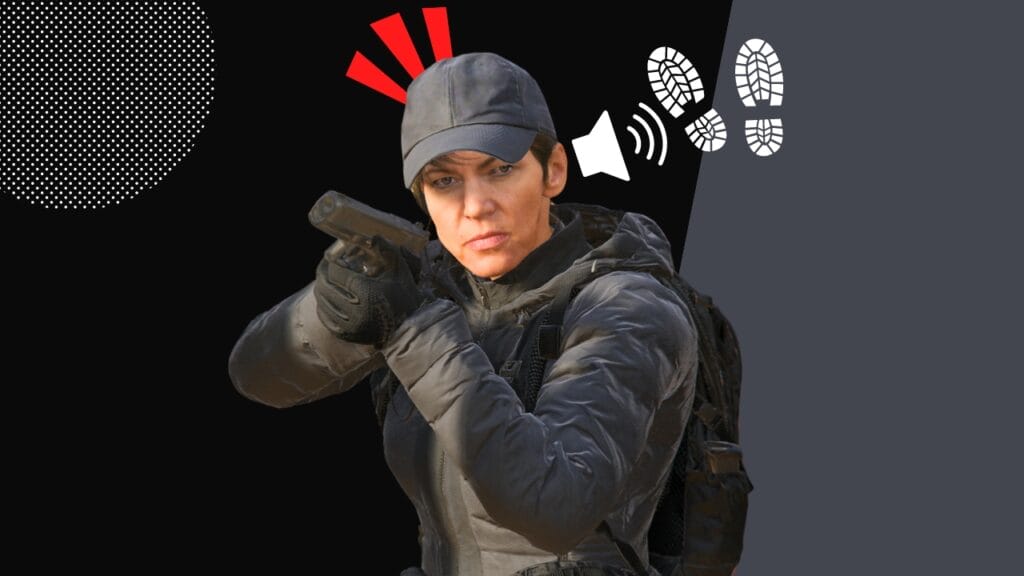
One of the most controversial issues with Warzone 3 is the audio design of the enemy’s footsteps. Some streamers like Dr. Disrespect have taken this issue to the next level by uninstalling the game after hearing nothing and dying to an enemy that shoots them point-blank from behind. This is while Dead Silence plays no role in the new Warzone 3 experience, and there’s no perk to stop the footstep sounds. So, how do we solve this problem with the game?

Warzone 3 Best Audio Settings For Louder Footstep Sounds

Best Warzone 3 Audio Setting
Image Source: Activision via The Nerd Stash

Jumping into the Warzone‘s audio settings menu, you’ll find an option called the “Audio Mix.” This is the secret to hearing a louder footstep sound in the game, only if you choose the Sound Bar. This audio option balances the different sounds you hear in the game, including the enemy’s footsteps.

Most players choose to skip this one simple option, selecting the “Headphone.” But even if you choose the Sound Bar, you must tune it well to hear crystal-clear footstep sounds. Here are the options you need to set:

Sound Bar
Image Source: Activision via The Nerd Stash
  • Gameplay Music Volume: 30
  • Dialogue Volume: 30
  • Effects Volume: 100
  • Cinematic Volume: 30
  • War Tracks: 30
  • Voice Chat Volume: 60

The gameplay music is the background theme that plays out during the matches. Even when you’re not landing, this music will make some noise in the background, making it harder to hear your enemy’s footsteps. The same goes for the War Tracks, which will play automatically whenever you hop into a car.

Related:

This New Warzone Sniper Loadout Is Secretly A Meta Marksman Rifle

Cinematic and Voice Chat volumes should also go down to a degree. But the star of the audio settings show in Warzone 3, is the Effects Volume. This is exactly the output of enemy footstep sounds, mixed with other effects like gunfire, opening loot chests, doors, and more.

Remember The Flex Perk

Flex Perk
Image Source: Activision via The Nerd Stash

After tuning the best audio settings in Warzone 3, it’s time to pick a special perk called “Flex.” As you may suggest, the Effects Volume audio option includes mixed sounds. Now, what Flex does is that it balances the volume of the combat noises like gunfire and volumes up the sound of the enemy’s footsteps.

This is an underrated perk that most players choose not to pick over High Alert and Ghost. Remember, High Alert can be easily countered with Cold-Blooded, and Ghost is easily replaced with Stealth Vests you can find as ground loot.

Related:

Best HRM-9 Loadout in Warzone and MW3 (& How To Unlock)

Call of Duty: Warzone is available to play on PS5, PS4, Xbox Series X|S, Xbox One, and PC.

Related Topics
Guide Warzone
Share. Facebook Twitter LinkedIn Reddit Email
Amir Naseri
  • Website

Amir is an absolute Call of Duty nerd, preferring shooter games more than everything. However, he does like to do uppercuts in Mortal Kombat and feel the NOS going through the engines in Need For Speed games.

SUGGESTED READS

MindsEye Layoffs 2026
Gaming

Studio Behind GTA-like Game, MindsEye, Hit With More Layoffs, and Nobody is Surprised: ‘Shocked There’s Even a Janitor Working There’

Princess Peach Spin-Off Movie May Already Be in Development, Job Listing Suggests
Gaming

Princess Peach Spin-Off Movie May Already Be in Development, Job Listing Suggests

Xbox's New CEO Wants to Reconnect With the 'Community,' Yet Brings In More CoreAI Leaders
Gaming

Xbox’s New CEO Wants to Reconnect With the ‘Community,’ Yet Brings In More CoreAI Leaders

Diablo 4 Season 13 Tier List
Gaming

Class Tier List for Diablo 4 Season 13 (Best Classes for Endgame & Leveling)

Take-Two Boss Finally Explains Why GTA 6 Is Skipping PC at Launch: 'We'll See How It Works Out'
Gaming

Take-Two Boss Finally Explains Why GTA 6 Is Skipping PC at Launch: ‘We’ll See How It Works Out’

Rockstar Employee Review Claims 'Unrealistic' Crunch as GTA 6 Development Intensifies: 'Had to Work Till 3AM'
Gaming

Rockstar Employee Review Claims ‘Unrealistic’ Crunch as GTA 6 Development Intensifies: ‘Had to Work Till 3AM’

The Nerd Stash
Facebook X (Twitter) Instagram YouTube LinkedIn
  • About Us
  • Join Our Team
  • Meet the Team
  • Privacy Policy
  • DMCA Policy
  • Contact Us
  • Terms of Use
  • Sitemap
  • Editorial Guidelines
  • Advertising Policy
© 2026 The Nerd Stash. All Rights Reserved.

Type above and press Enter to search. Press Esc to cancel.




