
Close Menu
  • Gaming
    • Platforms
      • Nintendo
      • PC
      • PlayStation
      • Xbox
  • Entertainment
    • Movies
    • TV
    • Royals
  • Celebrity
    • Hollywood
  • Human Interest
  • Astrology
  • More
    • Anime
    • Reviews
Facebook X (Twitter) Instagram LinkedIn YouTube
  • About Us
  • Join Our Team
  • Meet the Team
  • Privacy Policy
  • DMCA Policy
  • Contact Us
  • Terms of Use
  • Sitemap
  • Editorial Guidelines
  • Advertising Policy
The Nerd Stash
  • Gaming
  • Celebrity
  • Hollywood
  • Human Interest
The Nerd Stash
Home»Gaming»How to Find Lost Companions & Crew Members in Starfield

How to Find Lost Companions & Crew Members in Starfield

Have you lost some of your companions and crew members in Starfield and you can’t figure out where they went? It is quite challenging to…

Nikola PajticBy Nikola PajticSeptember 2, 20232 Mins Read
How To Find Lost Crew Members and Companions in Starfield Featured
Image Source: Bethesda
This article is over 2 years old and may contain outdated information.

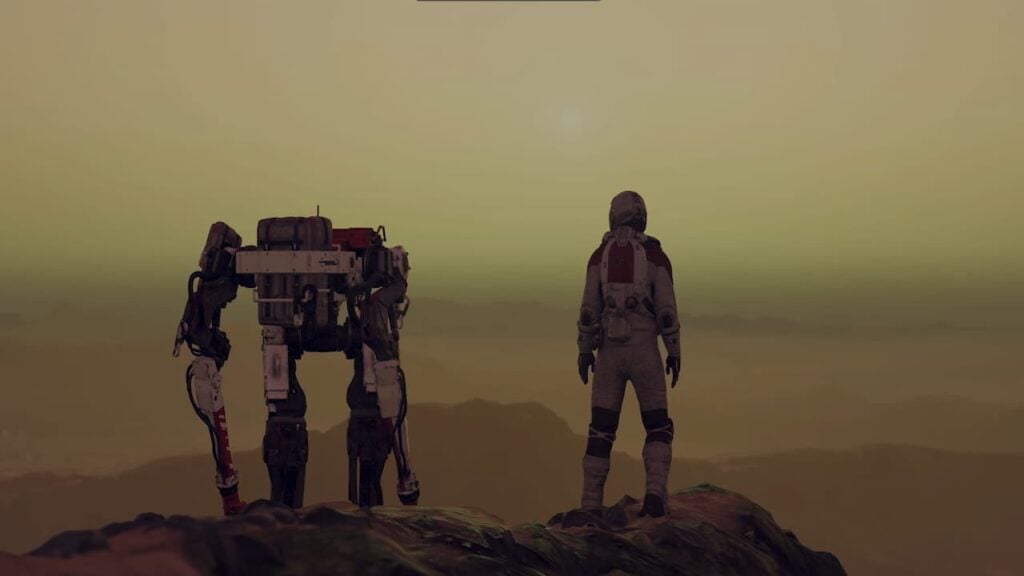
Have you lost some of your companions and crew members in Starfield and you can’t figure out where they went? It is quite challenging to explore and deal with enemies and things in the vast Starfield universe on your own. You will be able to recruit 20 companions during your playthrough and manage a crew of up to eight as you upgrade your ship. Once you get them, you can assign them to ships and outposts. However, with a multitude of game mechanics, there is a big chance you might forget where you have left off some of your companions and crew members. Luckily, Starfield offers a quick solution for your troubles.

Starfield: How To Locate Missing Crew Members and Companions

Find crew and companions Starfield
Image Source: Bethesda via The Nerd Stash Screenshot

If you have lost a couple of crew members and companions in Starfield during your journey, there is an easy way to locate them. Follow these simple steps:

  1. Open your Quest Log and go to Activities.
  2. Look for the Task labeled ‘Retrieve Your Companion’.
  3. Set this task as active.
  4. Return to your game, and you’ll now see an objective marker indicating your Companion’s location.
  5. Head to that marker where you will reunite with your missing companion or a crew member.

If you want to keep track of companions and crew members, you can build outposts on different planets. However, you first need a Crew Station established on the planet. To build one, you need to gather specific resources:

  • 5x Aluminum
  • 2x Iron
  • 3x Nickel

Luckily, you will find plenty of these while exploring the vast universe of Starfield. Once you have set up the Crew Station, send companions to outposts. Now, if you have lost track of where you have sent all your companions and crew members in Starfield, you can find them through the Crew Roster Menu.

Related:

How to Power Up Gravity Drive in Starfield

If you’ve intentionally parted ways with your companion, perhaps due to having the Adoring Fan trait, your Activity tab may display a “Lost Companion.” In such cases, you might have chosen to enjoy some solitude and peace by leaving behind your enthusiastic follower.

Starfield is available in early access on PC and Xbox.

Related Topics
Guide Starfield
Share. Facebook Twitter LinkedIn Reddit Email
Nikola Pajtic
  • Website

Nikola has been a gamer his whole life, and you can find him playing AAA titles but also unknown indie games.

SUGGESTED READS

Where to Find the Secret Fall Shop in Roblox Adopt Me
Gaming

Where to Find the Secret Fall Shop in Roblox Adopt Me

Diablo 4 Lord of Hatred Review
10
Features

Diablo 4: Lord of Hatred Review – Breaking the Cycle

Shuhei Yoshida Says He Was Fired From Playstation Studios for Saying 'No' to Jim Ryan: 'He Asked For Ridiculous Things'
Gaming

Shuhei Yoshida Says He Was Fired From Playstation Studios for Saying ‘No’ to Jim Ryan: ‘He Asked For Ridiculous Things’

Splinter Cell Remake Shows Signs of Life Despite Recent Layoffs at Ubisoft Toronto
Gaming

Splinter Cell Remake Shows Signs of Life Despite Recent Layoffs at Ubisoft Toronto

Fastest Ways to Get a Purrowl in Roblox Adopt Me
Gaming

Fastest Ways to Get a Purrowl & Trade Value in Roblox Adopt Me

Fatal Fury City of the Wolves Krauser Hands-On Preview
Gaming

Fatal Fury: City of the Wolves Wolfgang Krauser Hands-On Preview – A Regal Fighter

The Nerd Stash
Facebook X (Twitter) Instagram YouTube LinkedIn
  • About Us
  • Join Our Team
  • Meet the Team
  • Privacy Policy
  • DMCA Policy
  • Contact Us
  • Terms of Use
  • Sitemap
  • Editorial Guidelines
  • Advertising Policy
© 2026 The Nerd Stash. All Rights Reserved.

Type above and press Enter to search. Press Esc to cancel.




