Close Menu
  • Gaming
    • Platforms
      • Nintendo
      • PC
      • PlayStation
      • Xbox
  • Entertainment
    • Movies
    • TV
    • Royals
  • Celebrity
    • Hollywood
  • Human Interest
  • Astrology
  • More
    • Reviews
Facebook X (Twitter) Instagram LinkedIn YouTube
  • About Us
  • Join Our Team
  • Meet the Team
  • Privacy Policy
  • DMCA Policy
  • Contact Us
  • Terms of Use
  • Sitemap
  • Editorial Guidelines
  • Advertising Policy
The Nerd Stash
  • Gaming
  • Celebrity
  • Hollywood
  • Human Interest
The Nerd Stash
Home»Features»Resident Evil 4 Remake: How to Turn On Subtitles

Resident Evil 4 Remake: How to Turn On Subtitles

One thing that is great about modern games is how accessible they’ve become for all people. We’ve seen many options that turn out to be…

Giovanna La PineBy Giovanna La PineMarch 23, 20232 Mins Read
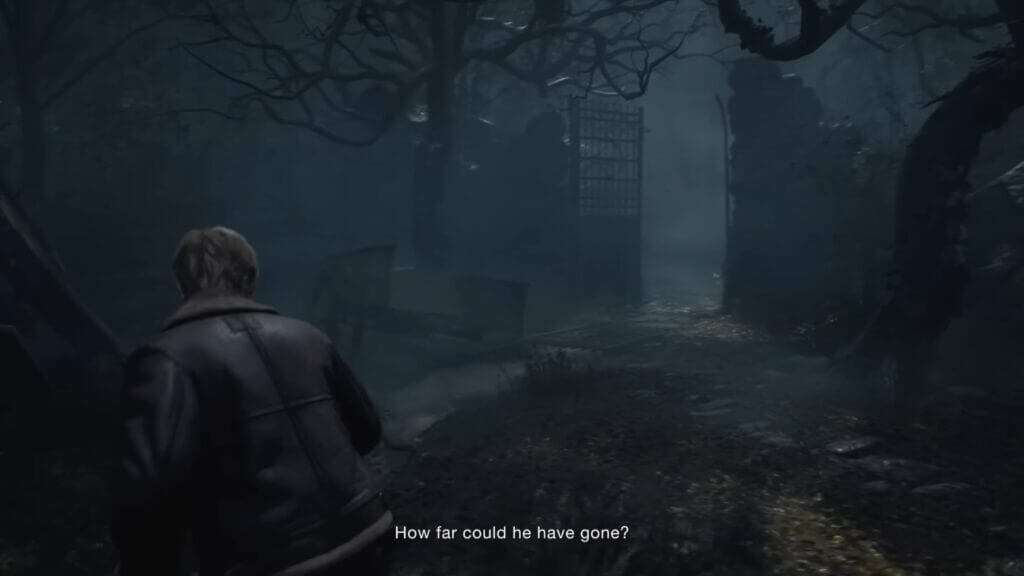
How to Turn On Subtitles in Resident Evil 4 Remake
Image: Resident Evil 4 Remake
This article is over 3 years old and may contain outdated information.

One thing that is great about modern games is how accessible they’ve become for all people. We’ve seen many options that turn out to be great for all gamers. God of War: Ragnarok and The Last of Us: Part I have been some of the games to offer a vast number of options. However, Capcom isn’t falling behind when it comes to its products. The latest Resident Evil 4 Remake offers many things for players to tailor their experience into a more pleasant one. Today we’ll be focusing on a specific option to make your experience easier. If you want to listen to the original voices in English but want the text to be in other languages, here we’ll tell you how to turn on subtitles in Resident Evil 4 Remake.

How to turn on subtitles in Resident Evil 4 Remake

This is one of the most basic options out there in games, but it is good to know where it is. Many games change the location of this option, so it is normal to miss it the first time. However, the menus in the recent game are quite easy to navigate, and you shouldn’t struggle too much to enable subtitles. Here’s how you can do it:

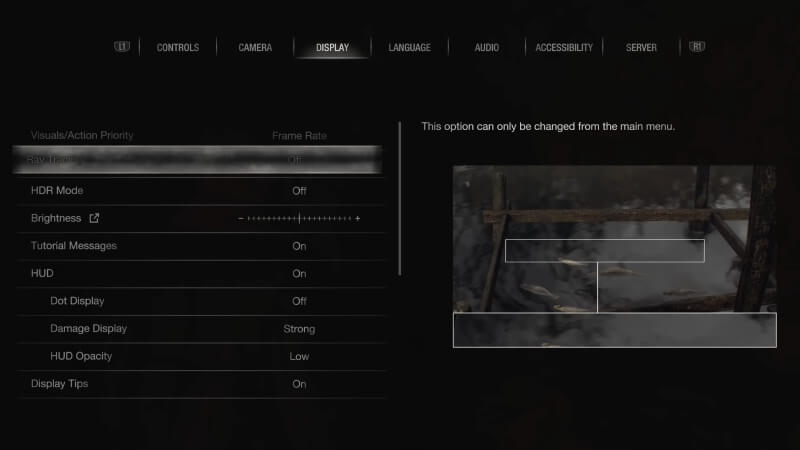
  • Head to the settings menu
  • Find the language tab
  • Head to subtitles and switch them on
  • Here are all the options for subtitles in the game:
    • Closed Caption
    • Subtitle Size
    • Subtitle Background Opacity
    • Subtitle Color
    • Speaker Name Display
    • Speaker Name Color
Resident Evil 4 Subtitles Options
Image: Resident Evil 4 Remake

Related:

Resident Evil 4 Remake: Can You Play As Albert Wesker? Answered

As you can see, Resident Evil 4 offers more than just the option to turn on subtitles. You can tailor this feature to your heart’s content. There are options to change the color of the speaker, to show or hide the name, and even enable closed caption. This is fantastic as many gamers have different needs, and some feel more comfortable with one or many options. So, when you get the chance to play the game later, remember how to turn on subtitles in Resident Evil 4. Doing so will let you read everything the game has, so you won’t miss any detail from this amazing story.


Related Topics
Guide Resident Evil 4 Remake
Share. Facebook Twitter LinkedIn Reddit Email
Giovanna La Pine
  • Website

Giovanna is a fan of every single game HoYoverse has launched. When she's not covering videogames, she writes her daily horoscopes and tarot readings for the astrology vertical in The Nerd Stash.

SUGGESTED READS

COD Modern Warfare 4 Free Open Beta Starts This August, Nintendo Switch 2 Included
Gaming

COD Modern Warfare 4 Free Open Beta Starts This August, Nintendo Switch 2 Included

All Wandering Merchant Locations in Palworld
Gaming

All Wandering Merchant Locations in Palworld

How to find Pure Quartz in Palworld 1.0
Gaming

Where To Find Pure Quartz in Palworld

Sicario Writer's Call of Duty Movie To Adapt 'Modern Warfare' Universe, Confirmed Paramount
Gaming

Sicario Writer’s Call of Duty Movie To Adapt ‘Modern Warfare’ Universe, Confirmed Paramount

Fatal Fury City of the Wolves Rick Strowd Hands-on Impressions
Gaming

Fatal Fury: City of the Wolves Rick Strowd Hands-On Impressions – A Strong Start

Zenless Zone Zero Version 3.1 Anniversary
Gaming

Zenless Zone Zero Celebrates Its 2-Year Milestone With Free S-Rank Agents and a Crossover Announcement

The Nerd Stash
Facebook X (Twitter) Instagram YouTube LinkedIn
  • About Us
  • Join Our Team
  • Meet the Team
  • Privacy Policy
  • DMCA Policy
  • Contact Us
  • Terms of Use
  • Sitemap
  • Editorial Guidelines
  • Advertising Policy
© 2026 The Nerd Stash. All Rights Reserved.

Type above and press Enter to search. Press Esc to cancel.